The floating button
A small persistent button that keeps your offer reachable after the popup closes, and after signup turns into the visitor's own discount code. It's a real designed element with its own step, not a canned widget.
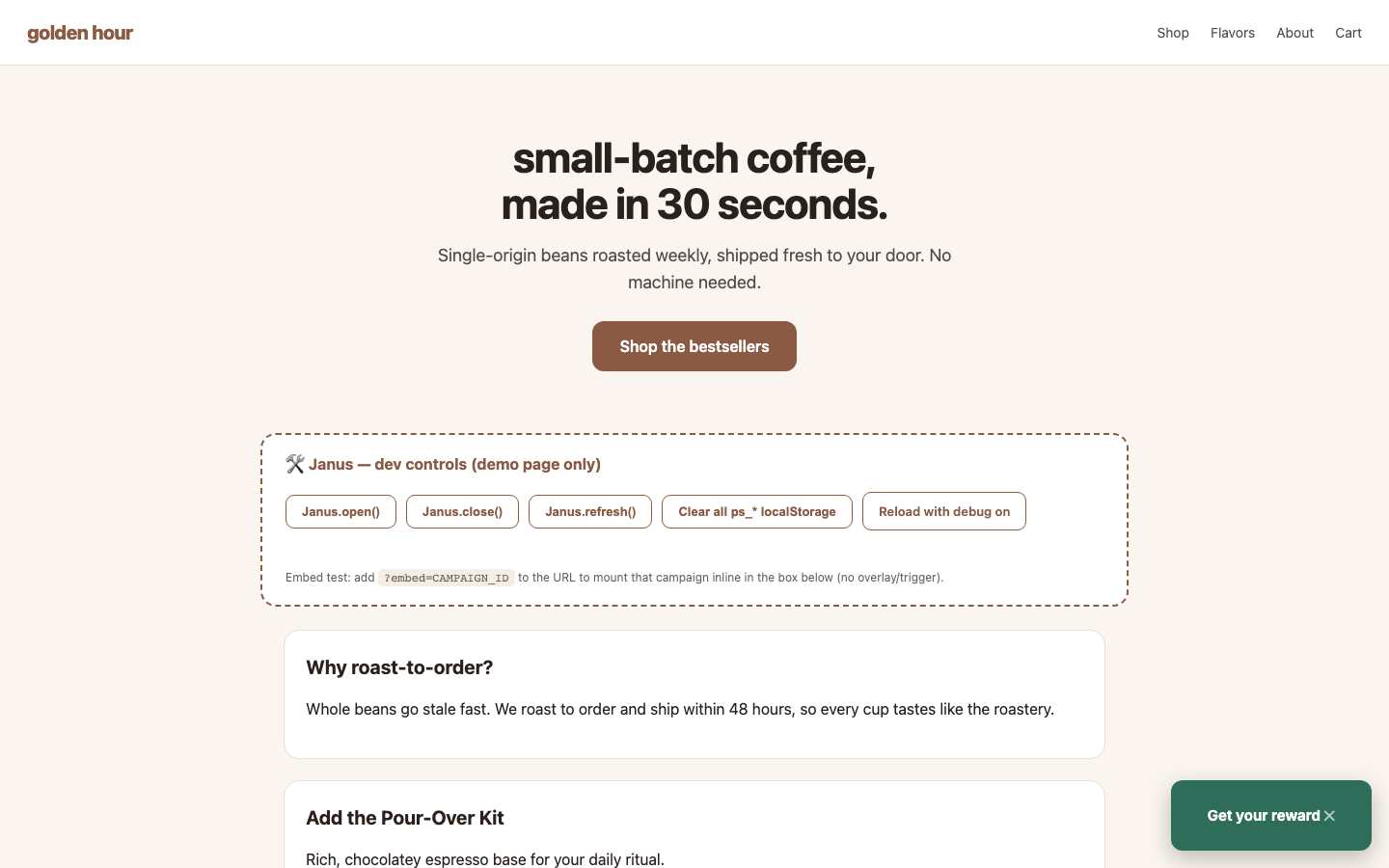
Designing it
The teaser button is a step: it lives in its own cluster on the step switcher, renders on the canvas inside a faux storefront so you see it in context, and its contents are ordinary elements you can restyle. Select it to open the designer:
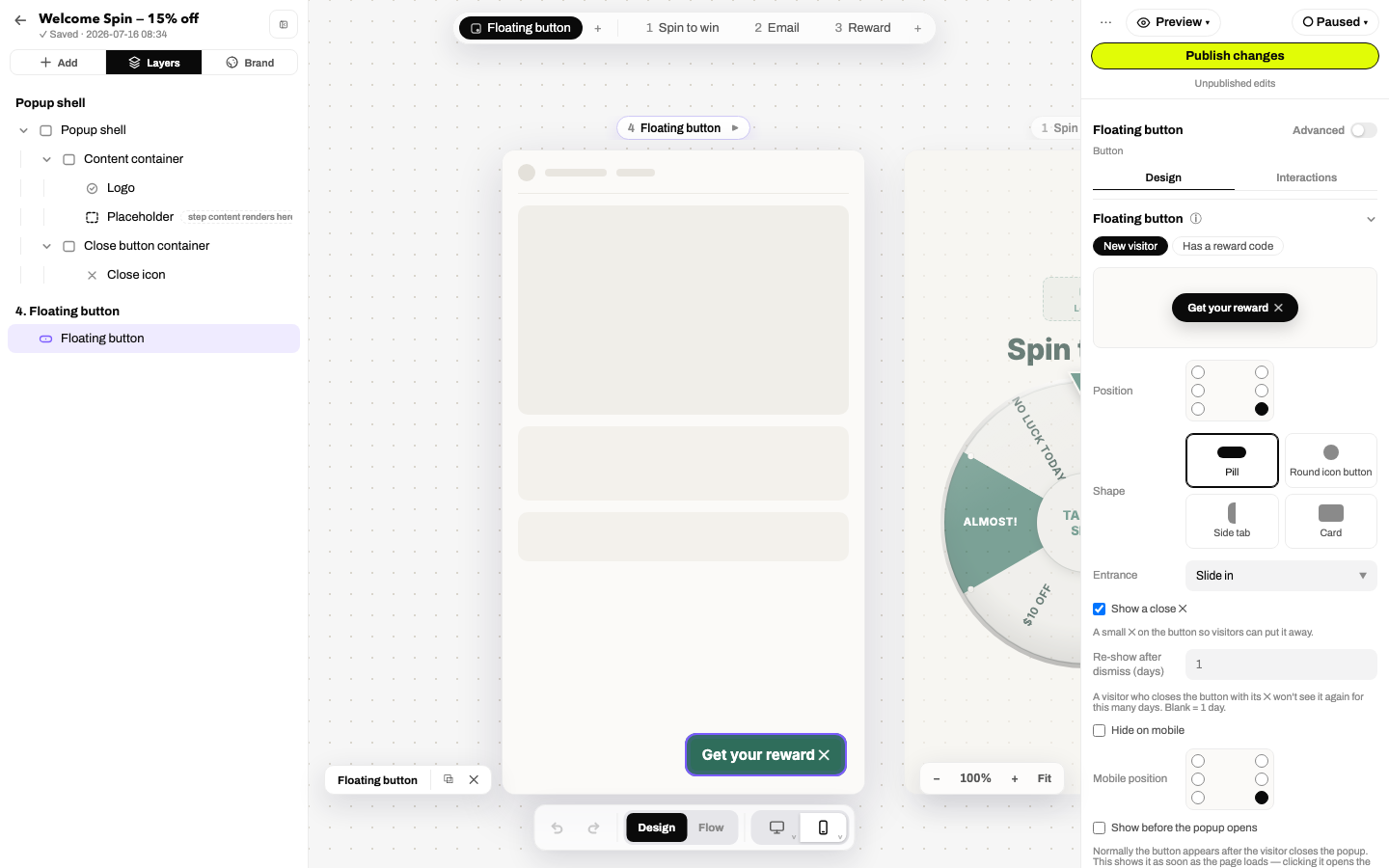
- Position: six spots: bottom corners, top corners, or either side wall (wall buttons center vertically and hug the edge). A separate mobile position override and a hide on mobile toggle.
- Shape: a side tab that hugs the page edge its position sits on. There is nothing to pick: one shape, every position.
- Entrance: Slide in / Pop / Fade / None, previewed live in the tile.
- Close ✕: optional; a visitor who closes the button won't see it again for the re-show after dismiss days you set.
- Show before the popup opens: normally the button appears after the popup is dismissed; this shows it from page load, and clicking opens the popup early.
- Teaser button on: the master switch. Off, the popup opens on its trigger only, the rest of the panel goes away, and the canvas draws the page without the button.
Attention, politely
- Nudges: a periodic wiggle, pulse or bounce: every N seconds, at most M times, then it stays still. Never plays for visitors with reduced motion enabled.
- Game tease: when the first step leads with a game, an animated mini icon (a turning wheel, a scratch shimmer, a bouncing plinko dot) rides the button. Authored icons always win over the tease.
The code chip
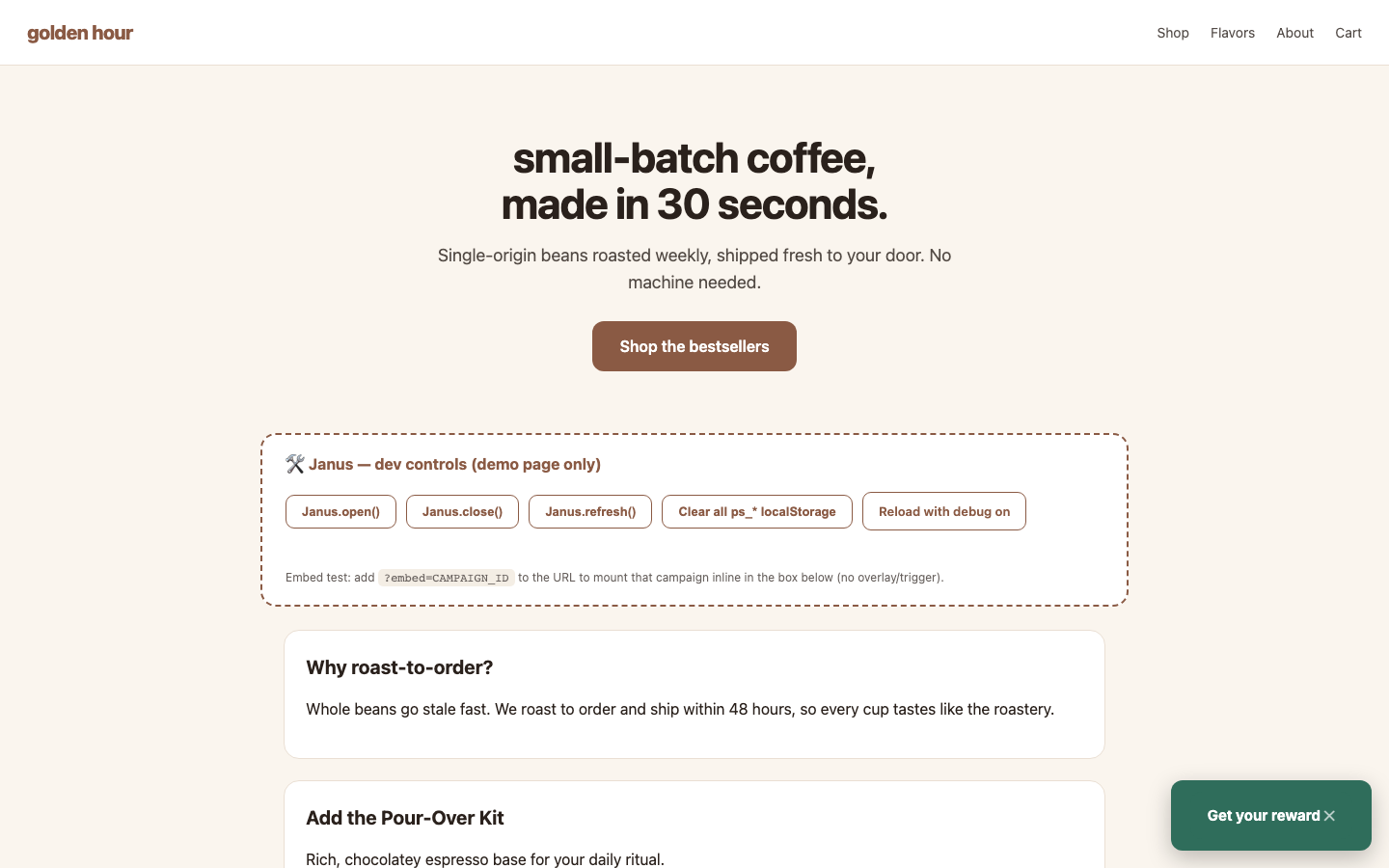
After signup decides what the button does once a visitor has signed up, and it offers three answers: Show the code, Hide it, or Leave it. The default is the honest one. A popup that issues a discount code shows the code; a popup that gives a gift, free shipping, or any reward without a code hides the button, because a visitor who has signed up should not be asked to reopen the same form. Show the code is offered only when the popup can actually issue a code.
With Show the code in force, the button transforms once a reward is issued: the visitor's own code, a live expiry countdown, tap (or Enter/Space) to copy with a "Copied!" flash. It survives page reloads for the life of the code, dismisses with ✕ or Escape, and an expired code gracefully falls back to the normal button. The chip suppresses nudges (it is the attention device), and each copy registers as redemption intent in analytics.
Staying out of the way
- Hide while scrolling down (mobile): the button slips away as the visitor scrolls down and returns on scroll-up or pause, so it never covers content mid-read.
- Come back later: re-show a dismissed popup teaser-first after N days: the popup itself doesn't auto-open; the button returns, and a click on it reopens the flow fresh.
Minimize instead of close
Any button in the popup can run the action Minimize to teaser button, collapsing the popup into the button instead of closing outright. Pair it with Show before trigger for a fully visitor-paced experience.